
Part 1 | Game Development at Embark
Arvid Burström, Technical Animation Director and Patrik Åkerberg, Tech lead Tools & CI
Over the last decade, AAA game development has become so expensive and risky that game teams are forced to play it safe, which results in less creativity. Embark is all about trying to rethink the way games are made, from the ground up.
That includes the way we work with CI (continuous integration) and development tools, i.e. how our games, after they’re released to players, get updated and fixed. But CI is a big topic. Before we talk about where we are, we need to cover some basics. We’re going to take you through the entire scaling journey from a small team to hundreds of devs.
While numerous articles detail individual workflows for disciplines like art, audio, engineering, design, and narrative, the actual development environment (the essential behind the scenes framework that enables our work,) is often overlooked.
Moving forward, our goal is two-fold: to offer a look into Embark's operational methods and to provide a broader understanding of game development.
Installments
Part 1: Solo Dev (The Basics)
In order to talk about CI at Embark we need to introduce some terminology:.
Game – The entire software project that will become the shipped product.
Change – Any modification to the game (code, art, audio, settings, etc.).
Editor – The tool a developer uses to work on the game (e.g., Unreal, Unity, DCC tools).
Build – A packaged, playable version of the game. This is what players eventually download, but during development it’s mainly for internal testing.
Dev – Anyone who contributes to the game: programmers, artists, designers, technical artists, etc.
We begin with the most basic scenario in game development: A single developer working on a single machine.
Creating and Editing

Imagine a solo developer sitting at their desk with their own PC. They open the Game in their Editor and start making Changes. Maybe they adjust an animation, tweak a level, or fix a bug. Every Change lives only on their computer. Nothing is shared, and nothing is tracked anywhere else.
Creating a Build
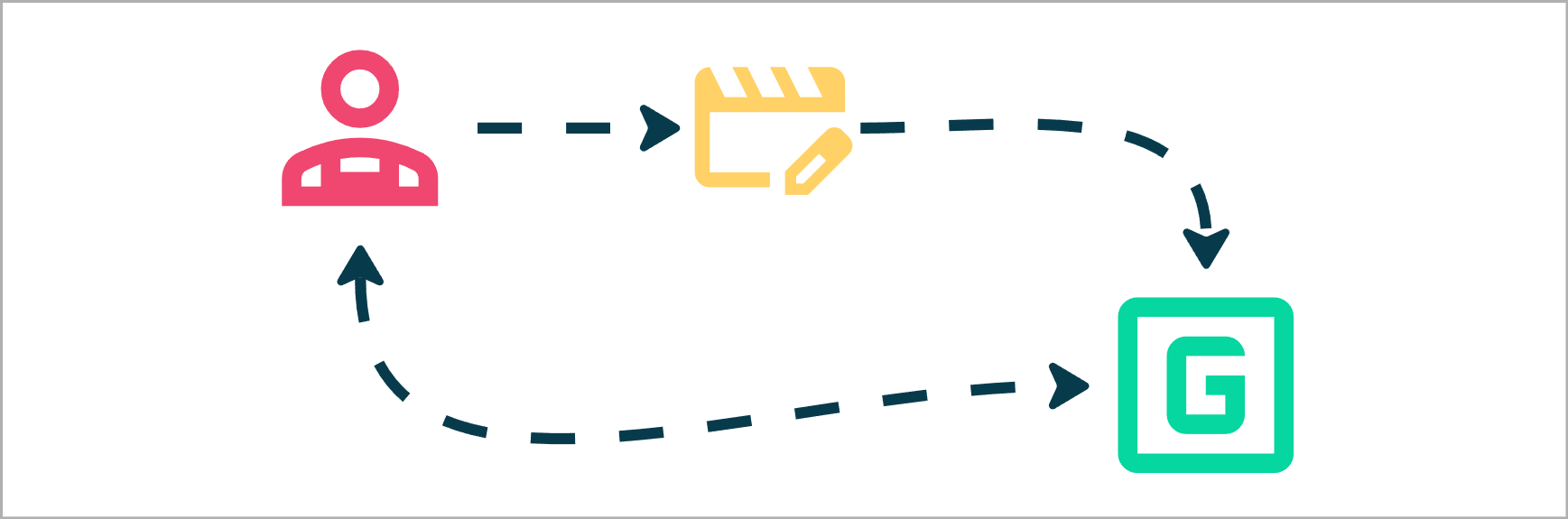
When the developer wants to see how the game runs outside the Editor, they create a Build. A build is a self-contained, playable version of the Game, something they can double-click and run.
Publishing
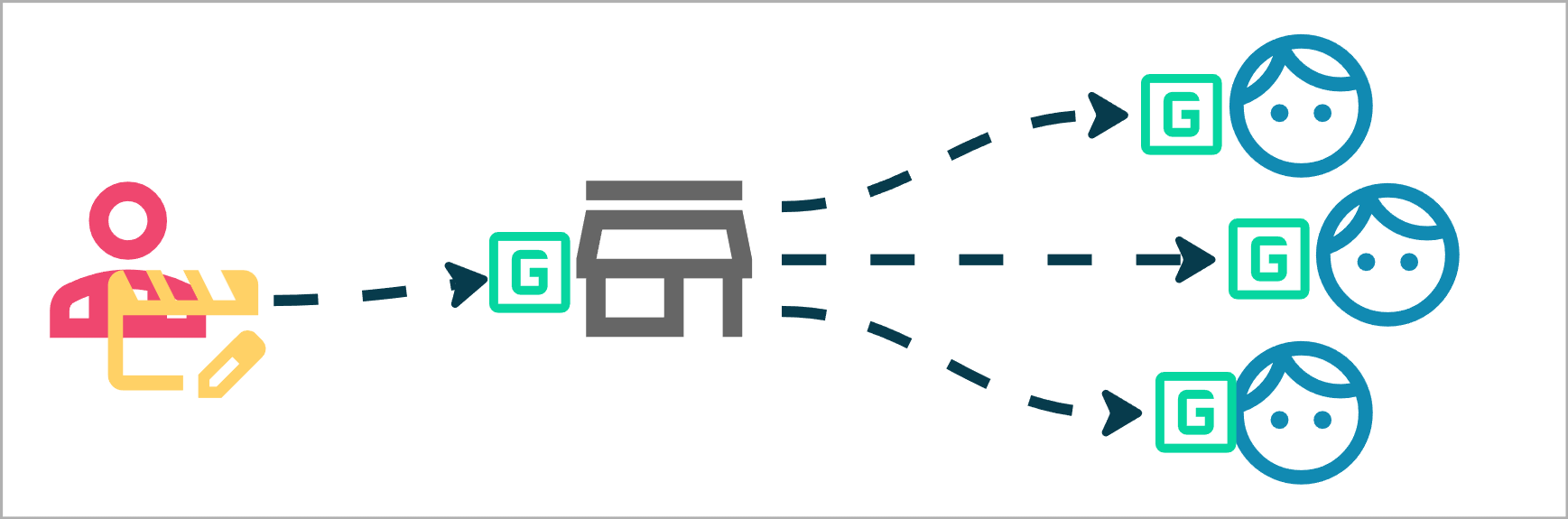
Now the developer wants more people to enjoy the Game! There are many ways to share the Build, but essentially, it just needs to be uploaded to some public place where Players can download the Build and play.
Summary
In this setup, everything is local and personal:
• All Changes
• The Editor environment
• The Build

For a single person, this works fine. They know what they changed, when they changed it, and how to rebuild the Game if something breaks.
But wait…
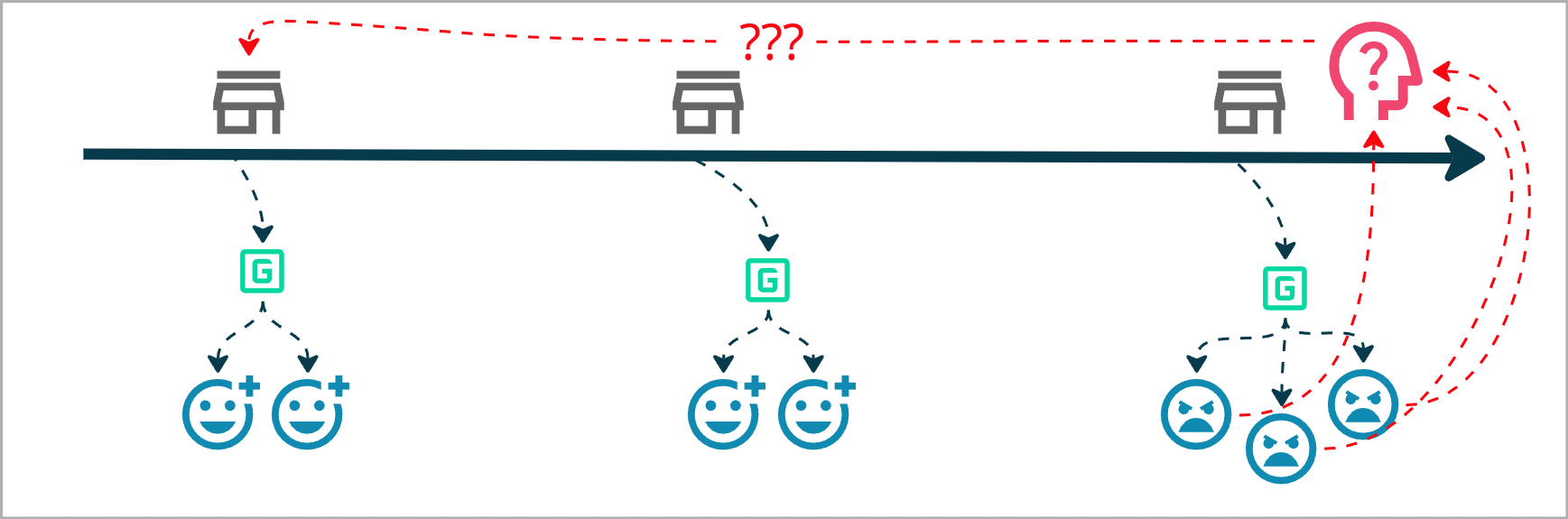
Players are saying that they liked the horse mechanics from 2 versions back.
I don’t remember how that worked 2 patches ago.
I wish there was: Version Control!
Next: Part 2 | Version Control
