
Part 2 | Version Control
Arvid Burström, Technical Animation Director and Patrik Åkerberg, Tech lead Tools & CI
Part 2 – Version Control
In part 1, our solo developer ran into a familiar problem: They had something that worked great before… but it’s gone now. The Game has changed over time, but there’s no reliable way to see how or when those Changes happened.
Let’s introduce a few new concepts:
Version Control (VC) – A system for tracking Changes to the Game over time.
Repository (Repo) – The place where the Game and its history are stored.
Commit – A saved snapshot of Changes, along with a short description.
History – The ordered list of all Commits made to the Game.
Saving Copies
Before reaching for specialized tools, most developers try something simpler first. Before making a risky change, they duplicate a file or a folder:

Game_backup
Game_backup_final
Game_backup_final_really_this_time
This works, for a while.
They can go back to an older copy if something breaks, and they feel a bit safer experimenting. But quickly, cracks start to show:
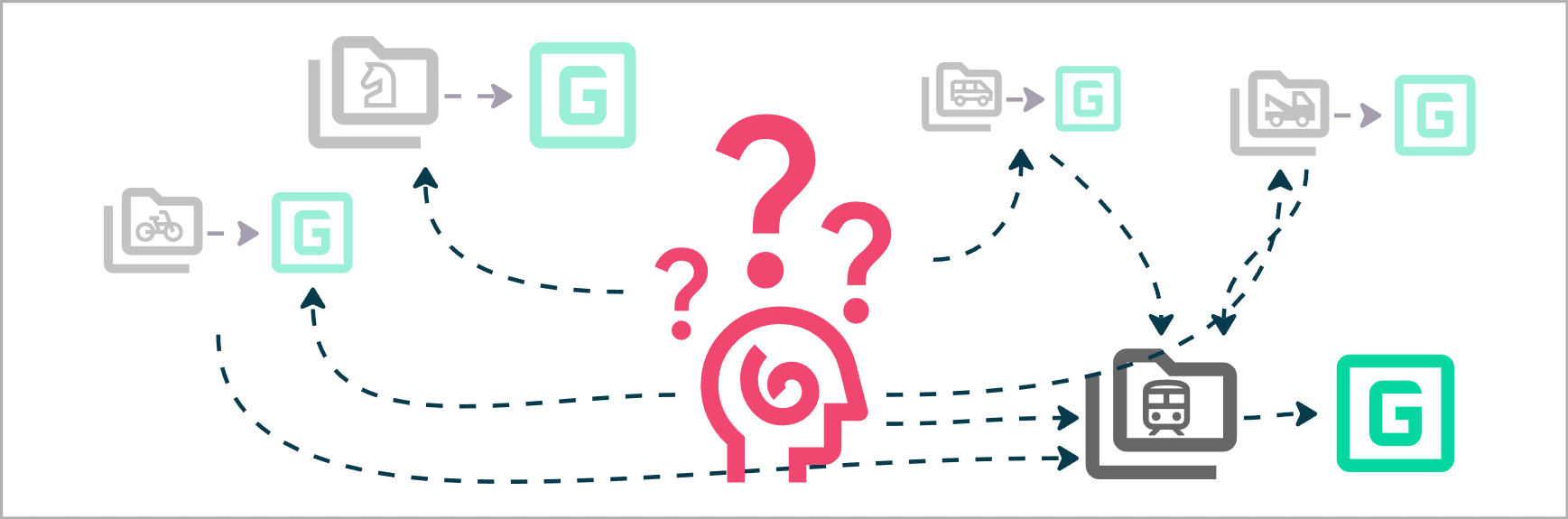
Which copy is the latest? What actually changed between the two versions? Did that fix happen before or after the physics tweak?
The Game now exists as a pile of slightly different folders, with no clear story connecting them. This is version control, just a very primitive one. And it doesn’t scale.
Creating a Repository
At some point, the developer decides they need something better.
They introduce a Version Control System and create a Repository.

When working with random folders it's hard to keep track of what you were doing when folder X was created. It’s even harder to remember which is the latest version, what’s experimental or unsafe.
Think of the Repository as a bookkeeping system. When we make a change we don’t put it in specific folders that we have to keep track of ourselves. We tell the Repository “Here’s a bunch of files for adding Horses to the game”. The Repository keeps perfect track of how your project evolves as you make more and more Changes.
The Repository (or Repo) becomes the official home of the Game. Instead of scattered copies, there is now a single source of truth, the Game and all of its files live in one place.
Making a Commit
So how does a Dev give the Repo some files to keep track of? By making Commits!
Let’s say the Dev is adding a new feature to their Game, a Snowmobile.
A new vehicle means a whole series of connected Changes.
Art, Animation, Audio, VFX, UI, Code etc.
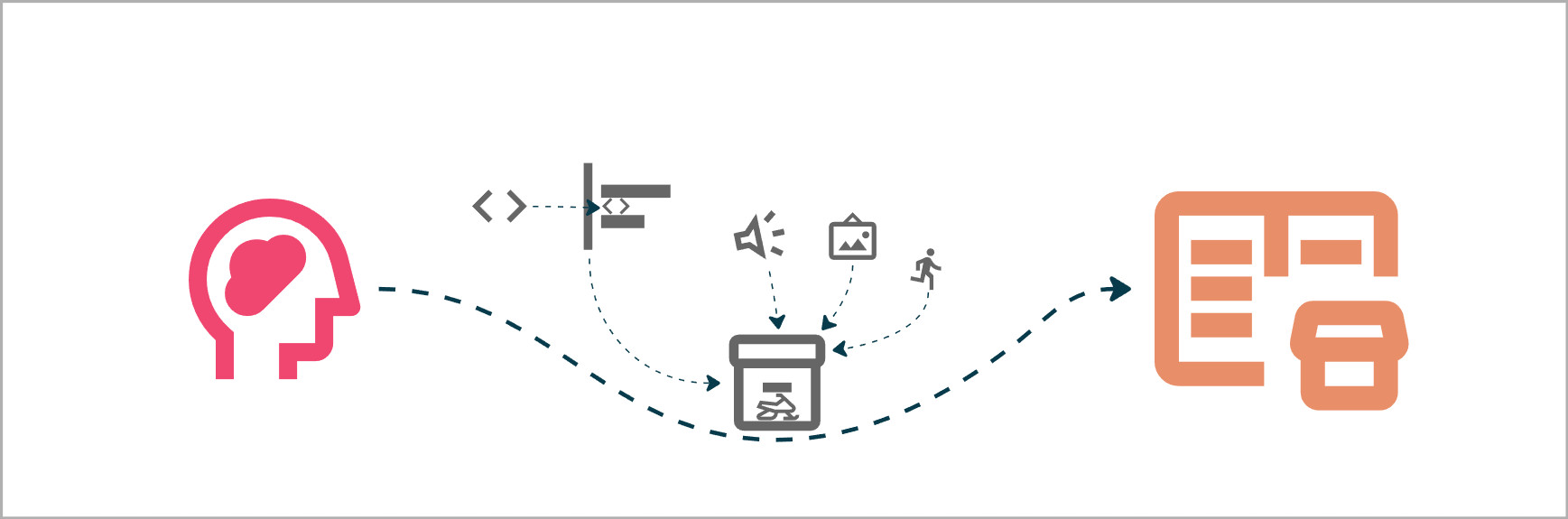
We can collect these changes under one description “Adding Snowmobile” and Commit them to the Repo. The Commit contains ALL changes that were introduced at that time. Not only new files, but even granular Changes like individual lines of code in existing files.
Building a History
As Commits accumulate, they form a timeline. A History of every single Change you’ve made throughout the project history. And unlike folder copies, this History is structured.
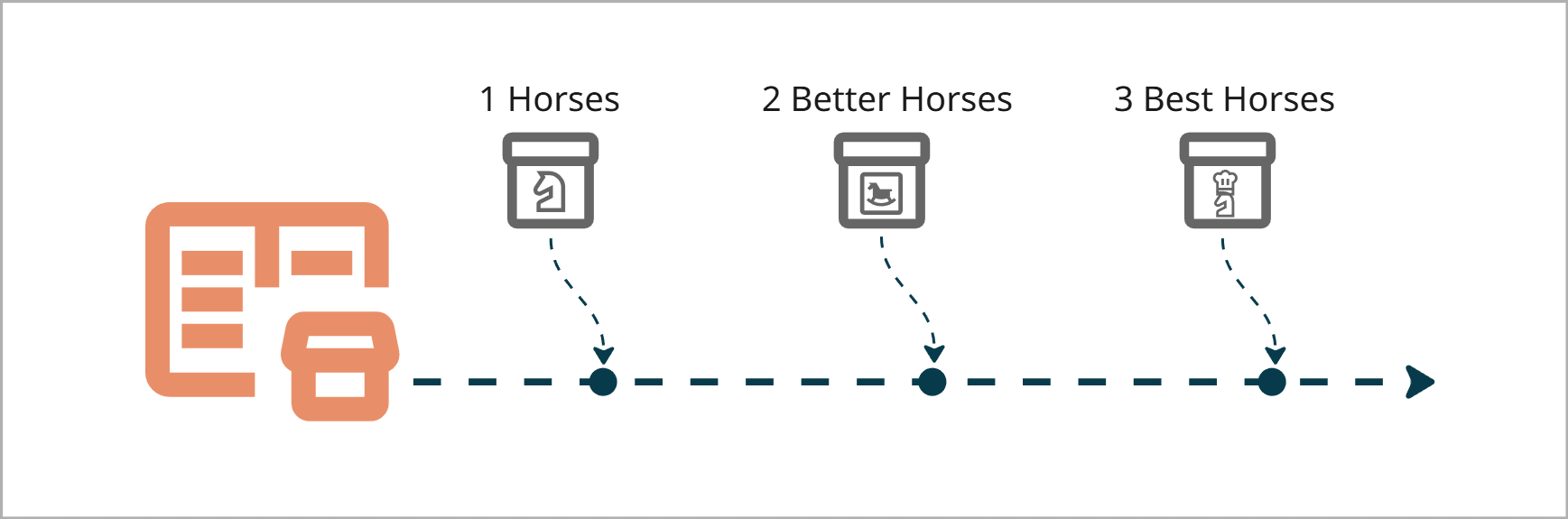
Every Change is ordered.
Every Change has a description.
Every previous version of the Game can be restored at any time.
Being able to go into a time machine and check previous versions of a project is one of the best parts of working with a good version control system.
Summary
Ok! In part one we ended up in this scenario:
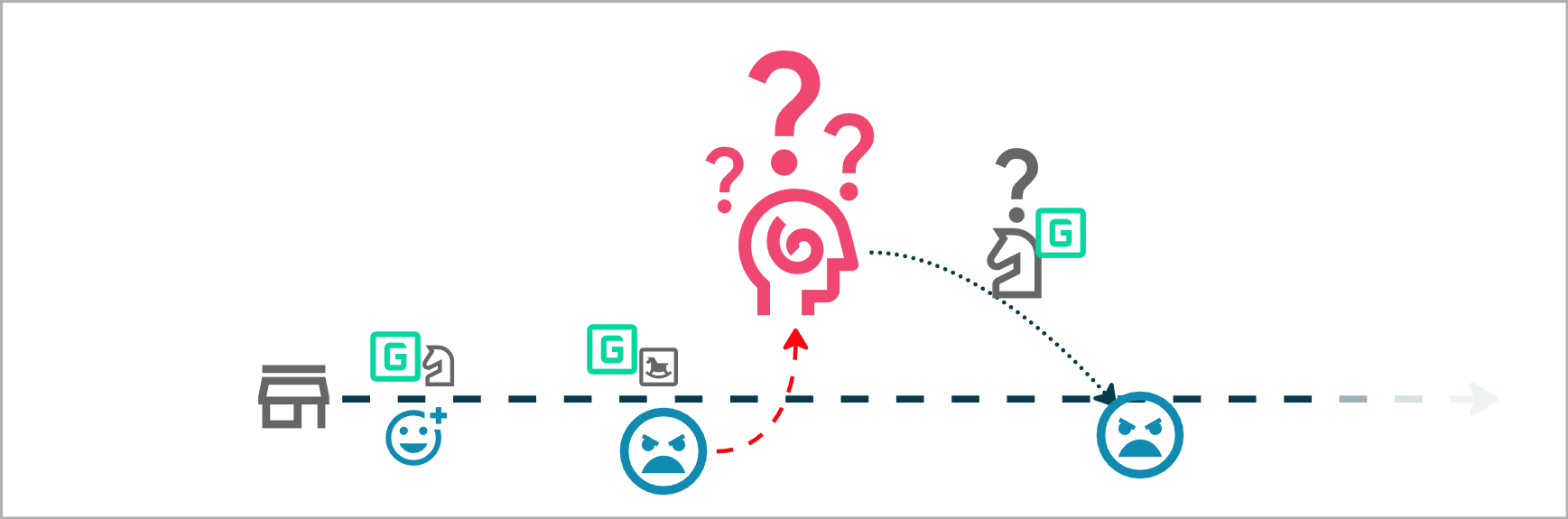
We released V2 of our horse mechanics, and the players were not happy. Our Developer didn’t remember the details of V1 so we can’t fix it, disaster!
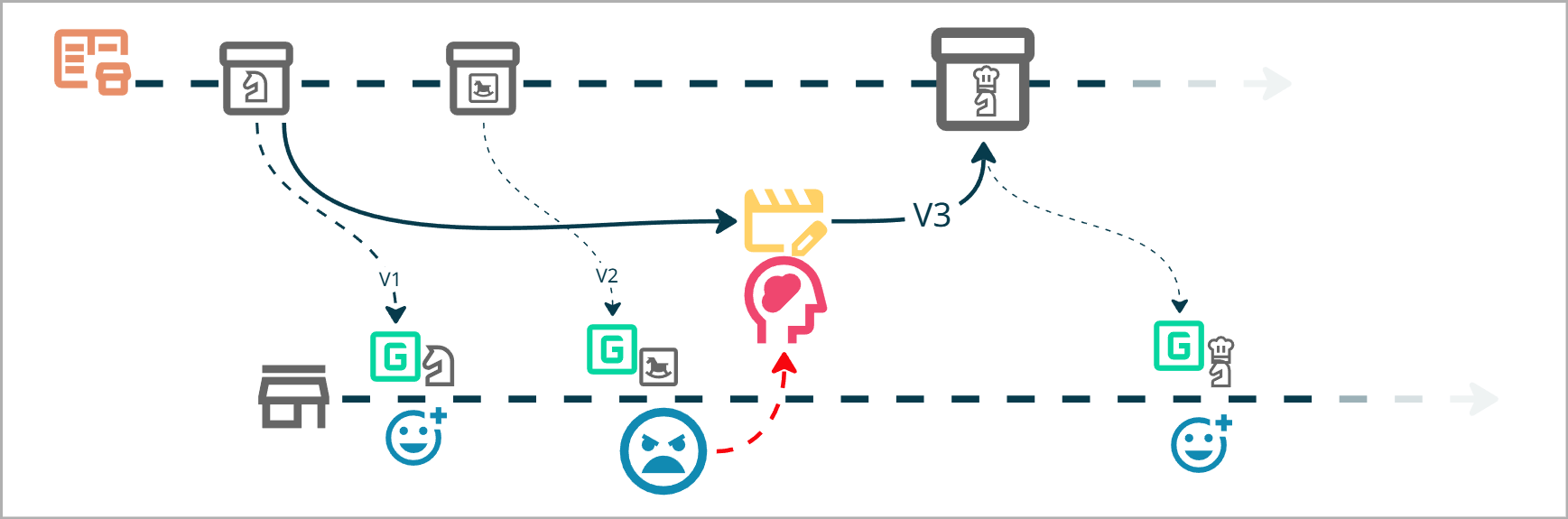
But now, thanks to Version Control, the Developer can safely go back in history, fetch the old version and publish it back to the Players.
With proper Version Control in place, the Game lives in a Repository where…
Changes are captured as Commits
The Game’s evolution is preserved as linear history of Commits
But wait…
I want to experiment with some volatile tech, but my game is live, it might take weeks, and it will probably break things along the way.

At the same time, I still want a safe space to make fixes and improvements to the live Game to stay responsive to player feedback. Keeping a history is nice and all, but it’s annoying that all of my experiments end up on the same History as the bugfixes. Hmm, our old janky folder based version control could do this by simply cloning our project into a new folder.
We need one version for stable, everyday work, one version for risky R&D. But wont that ruin our nice contained Repository and History?
No! This is when we get to Branching!
Next: Part 3 | Branching
