
Part 4 | More Devs
Arvid Burström, Technical Animation Director and Patrik Åkerberg, Tech lead Tools & CI
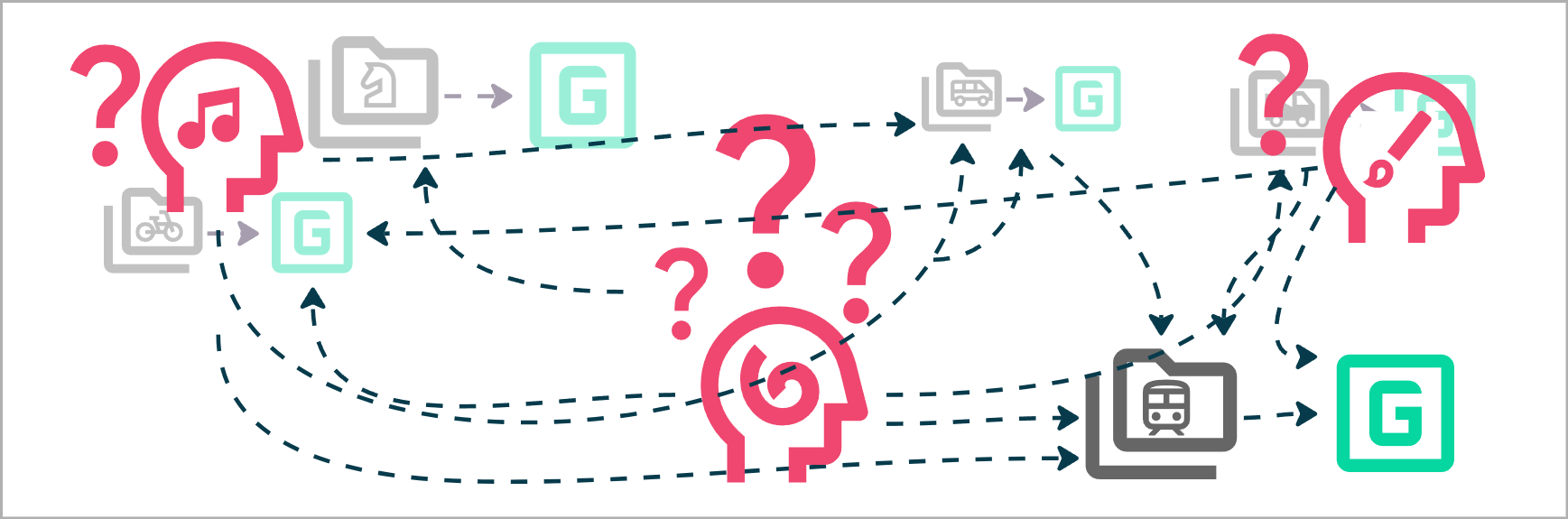
So far, everything has worked out ok because there was only one developer One person, one computer, one mental model of what the “latest version” is.
As soon as a second person joins, an old problem comes back. “Which version of this file is the latest?” Or even better, “Who has the latest version on their machine?”
This was already painful with backup folders. Now the folders live on completely different PCs!
We need a common place, some shared location where we can all work on the same Game at the same time.
In Part 4 we’ll reintroduce Building, Version Control and Branching, but from the viewpoint of a team of Developers.
But first, some new concepts.
Remote Repo – A repository that lives outside of your local machine.
Latest – The latest Commit, Release, Build. On the dev floor you’ll often hear phrases like “Are you on latest?”
Engineer – Someone who works with Code. (Backend, Game, Editor code etc)
Artist – Someone who works with Content. (3D, 2D, Audio, FX, UI-UX, Animation etc)
Editor Build – A packaged version of the Editor. This is what non-coding Developers eventually download.
Release Manager – A person in charge of publishing a new Build.
There are many more disciplines than Code and Art but those two will illustrate how we work with CI for the developer environment.
From Personal to Shared
To work together, we need to move the game from a single machine, to a shared location. One shared source of truth.
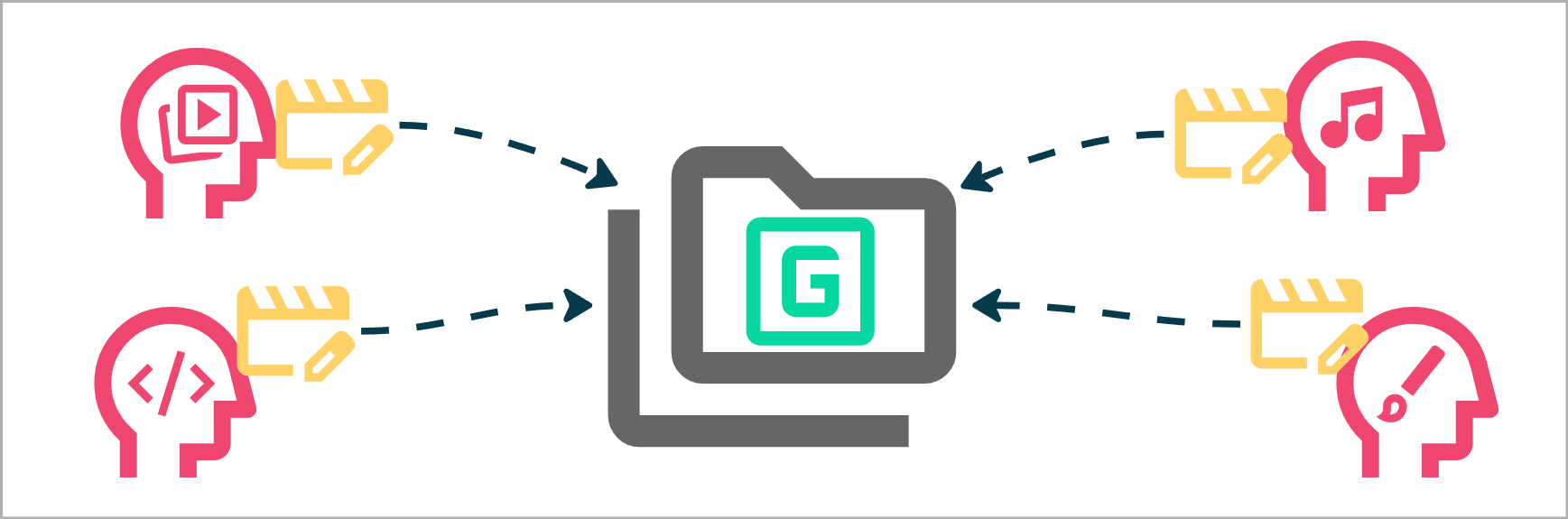
Every developer gets the Game files from the same Repo, they make Changes locally and finally: They Commit those Changes back to the same source.
No more sending files manually.
No more guessing who changed what.
No more overwriting each other’s work by accident.
What version are you on?
And remember, the remote location is a fully fledged Repository that has all the bells and whistles of Version Control.
Given that every Commit is tracked in the history, you can now have some devs working on an older version, perhaps trying to find where a bug was introduced while the rest of the team is working on Latest.
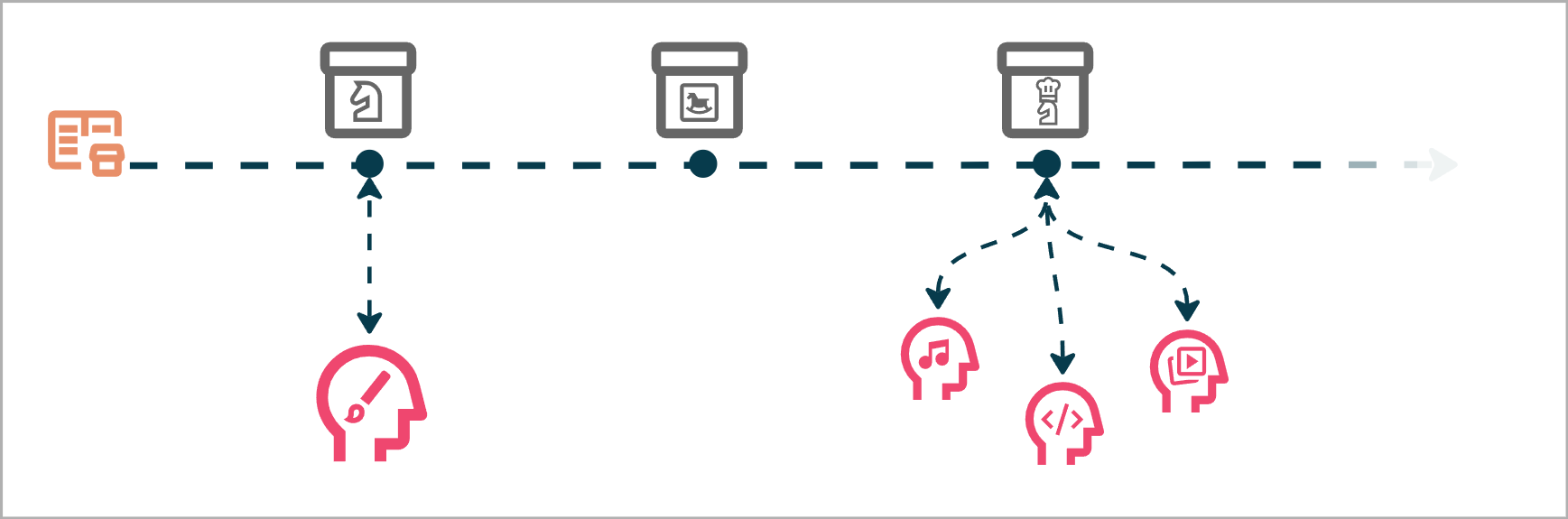
Once we have found the issue by looking at an older Commit, the dev can easily jump to latest and work in sync with the rest of the team.
Different Roles, Different Needs
As the team grows, the variety of needs grows, not everyone works in the same way.
A common setup looks something like this:
Engineers Build the Editor and Game themselves, they work in code and share releases once they are stable.
Artists download pre-made Editor Builds, they work with the Editor tools and add content to the product.
In one sense, the Developers become the players, but instead of shipping a game, we are shipping Editors.
But! Right now, everyone is on Latest and with that comes the risk of development, the engineer released a new editor with a bug in it. The editor is broken and everyone is blocked!
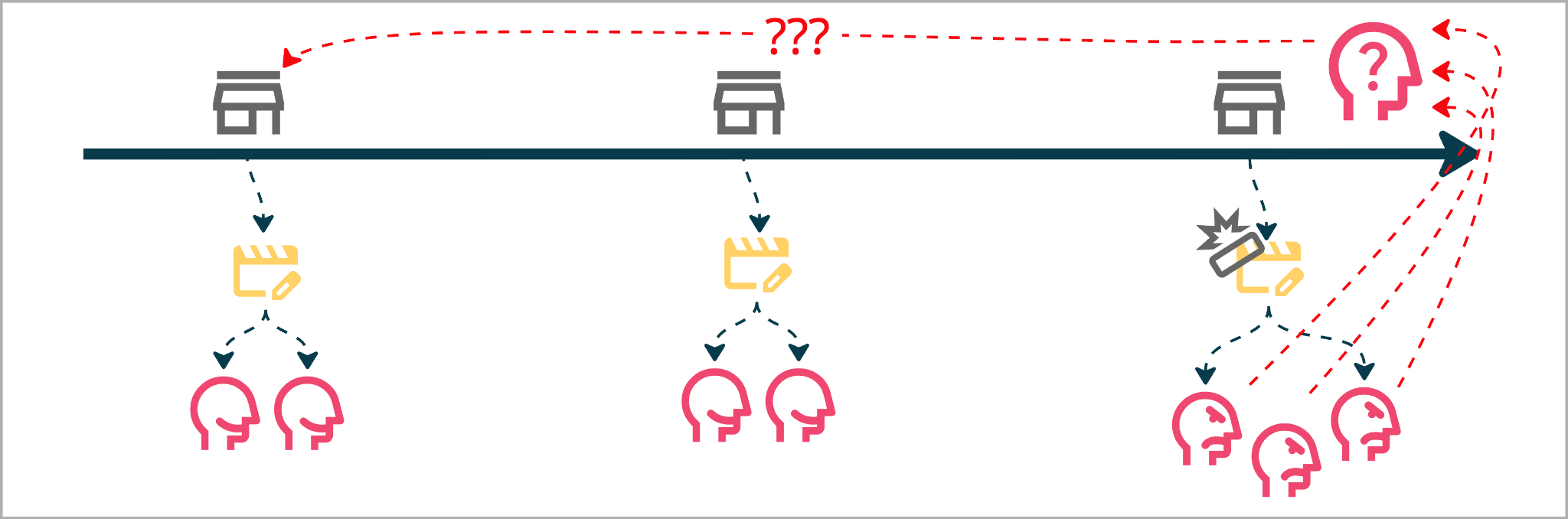
We’ve been here before, Branching solves this, just like it did for our players.
Stable Main, Experimental Branches
The team agrees on a structure:
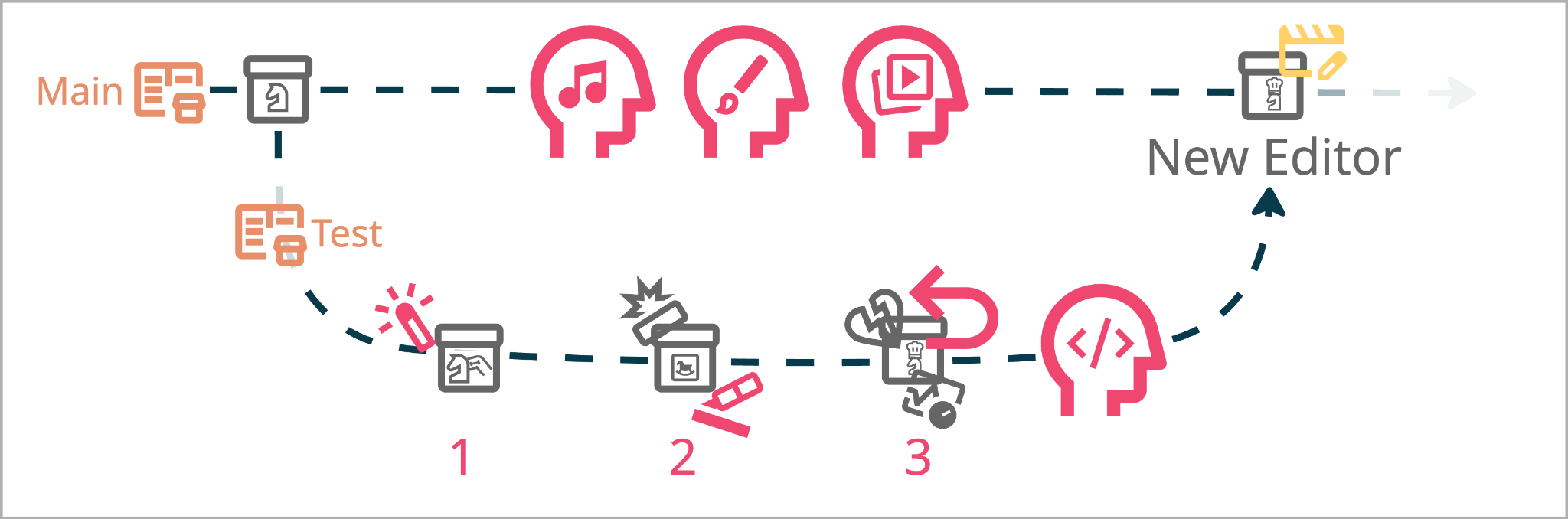
Main contains a stable version of the Game and the Editor.
Artists work from Main & Engineers create separate branches to experiment with Editor changes.
Summary
At this point, the team has a decent environment to work in. Version Control to track Changes. Branching to isolate work and risk. A shared Repo to collaborate.
But they’re starting to feel friction.
Every build and release of the Editor is a manual time consuming process. Compile the code, Testing and validation, Uploading etc.
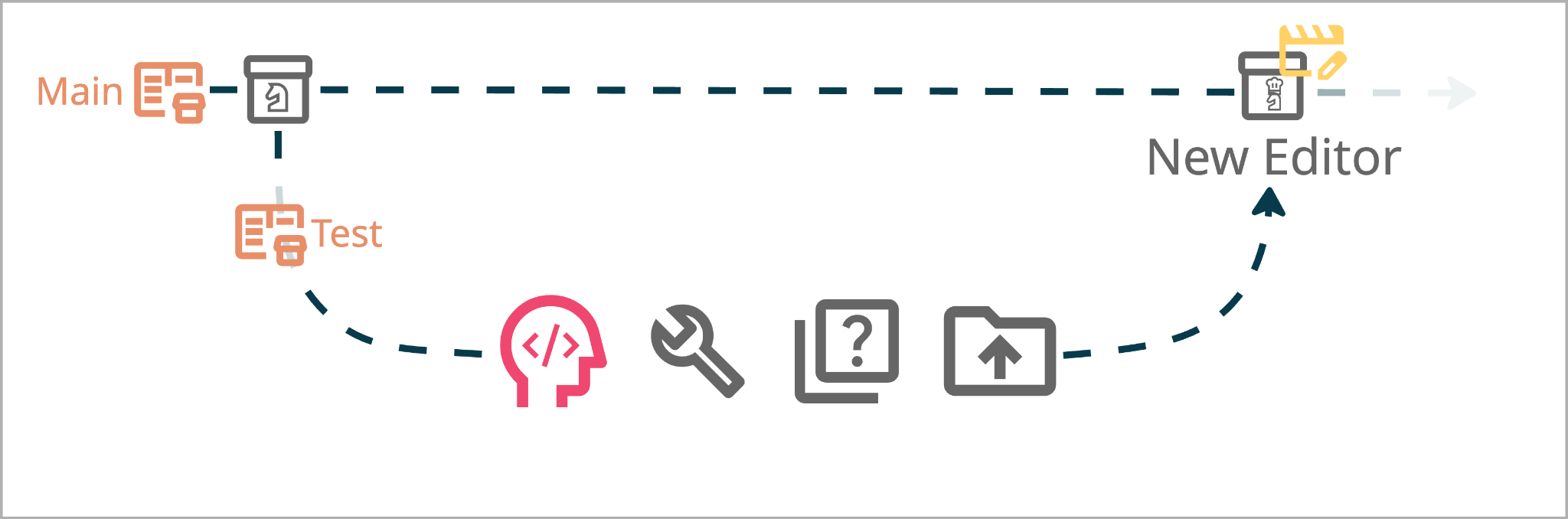
Publishing a new release to your Players is a careful process that happens every few weeks. But, for a Dev team, you might want to release a version of the Editor multiple times a day. Putting a lot of stress on the Release Managers.
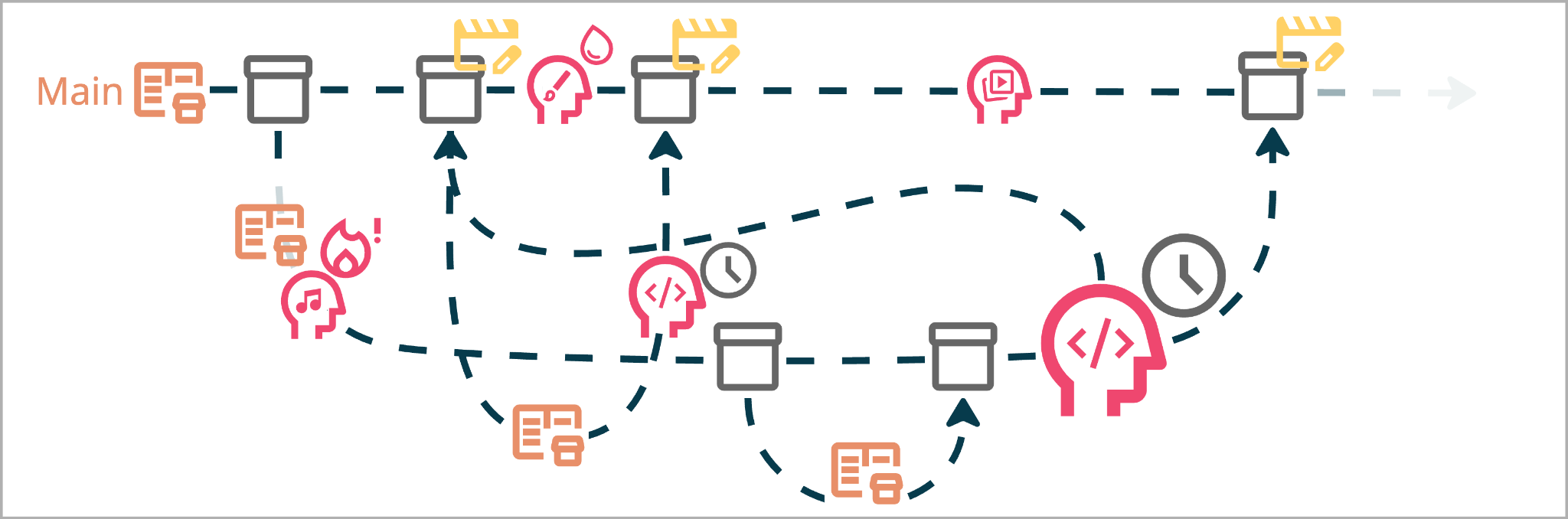
Audio can’t wait for the upcoming release and now they are making content on a Test Branch. Art is afraid of syncing to Latest due to stability. Media is the only one keeping up. This is a disaster!
The more developers you add, the worse this gets. Building, testing, and sharing changes by hand does not scale.
But wait…
What if builds didn’t have to be manual?
What if tests ran automatically?
What if everyone was on Latest?
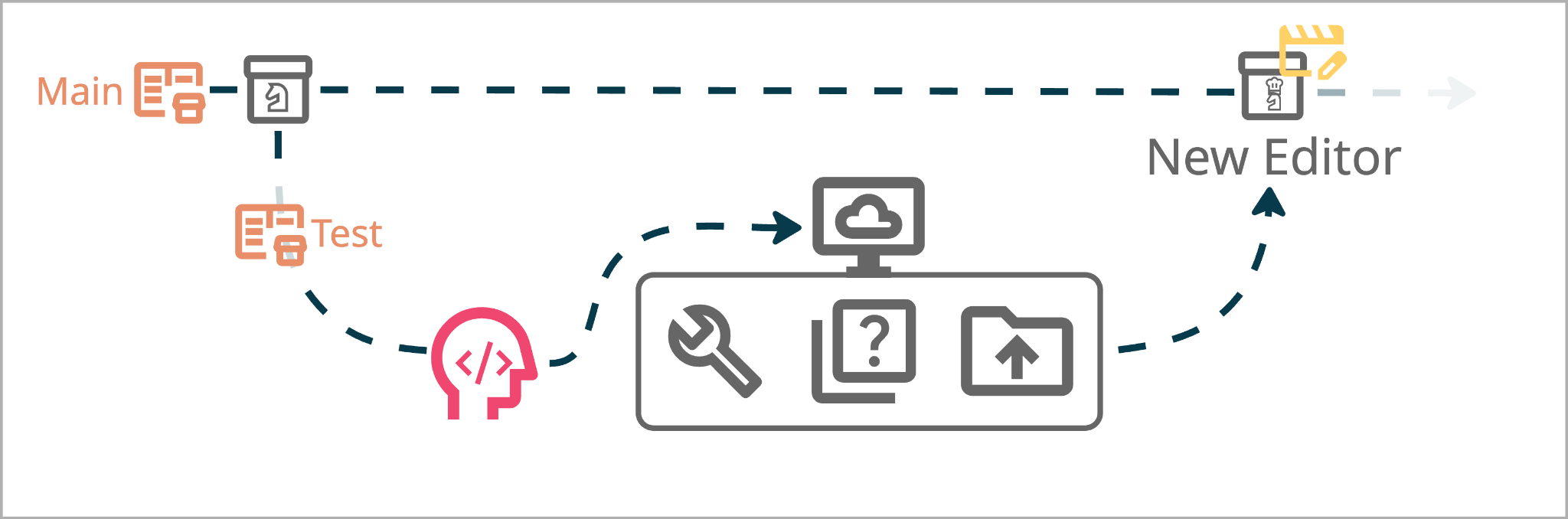
This is where Basics ends.
This is where Continuous Integration begins.
